

An invitation they`ll remember.
Send each guest an invitation with their own name on it. They RSVP in a tap, and every reply lands in your dashboard.



Online Invitation for your important moment that matters.
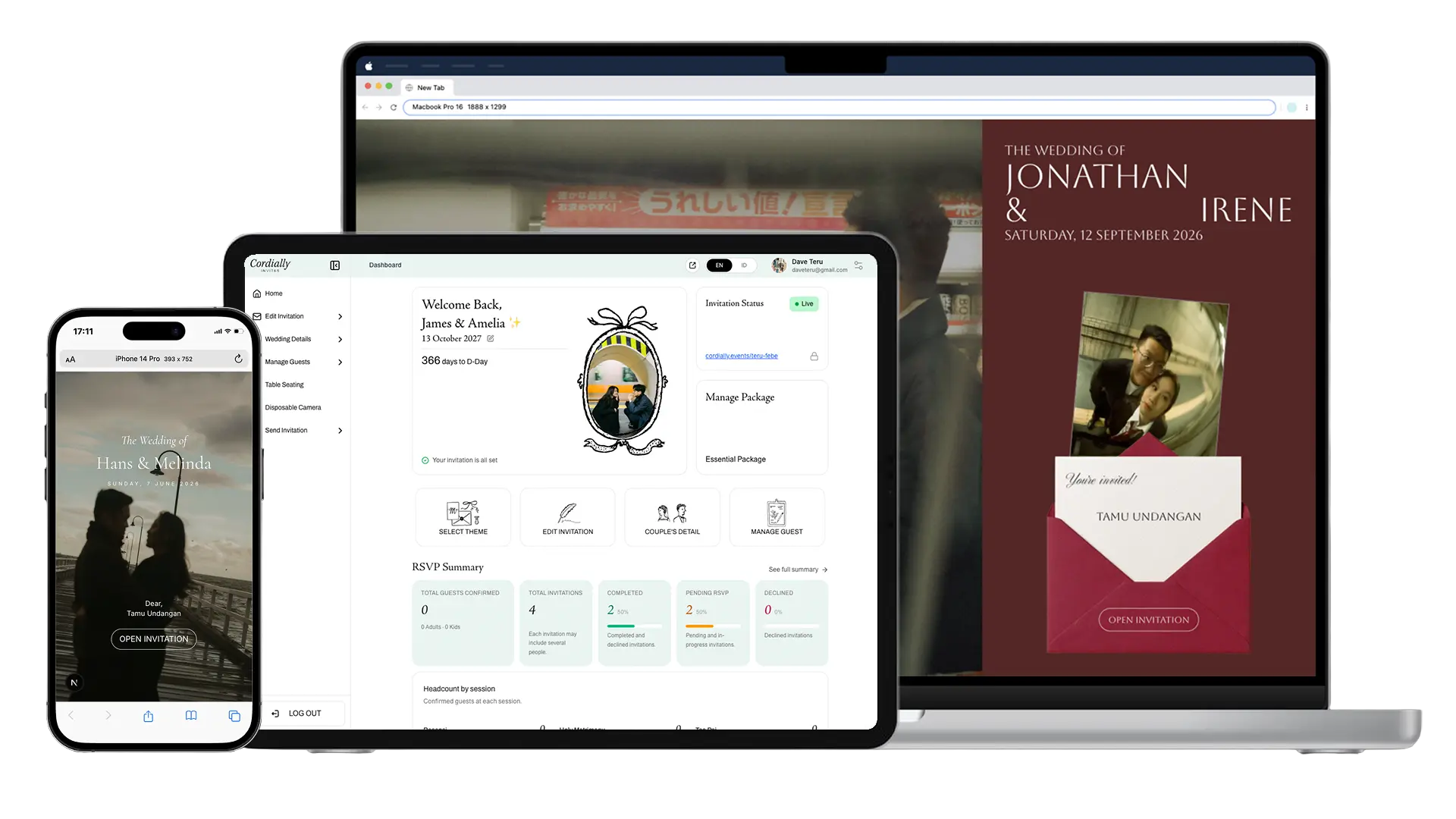
Send each guest an invitation with their own name on it. They RSVP in a tap, and every reply lands in your dashboard.

Edit guests right in the table, or import your list from Excel. Every change saves as you type.
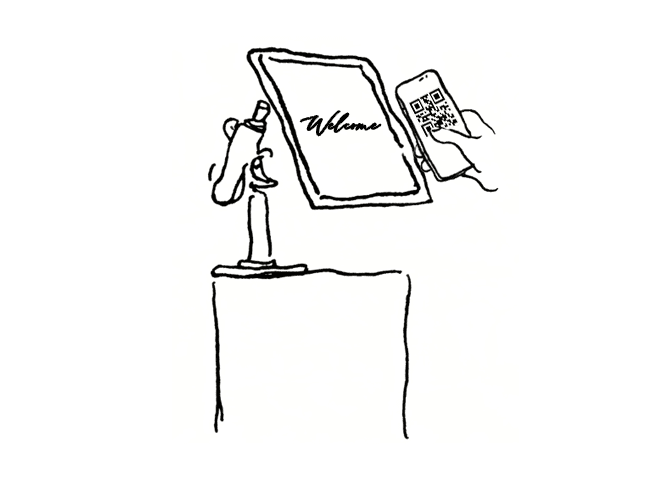
Each guest scans their personal QR code at the door. No paper lists, no queue, and you always know who`s arrived.
Every tool you need to build your invitation, manage your guests and welcome them on the day — all in one dashboard.
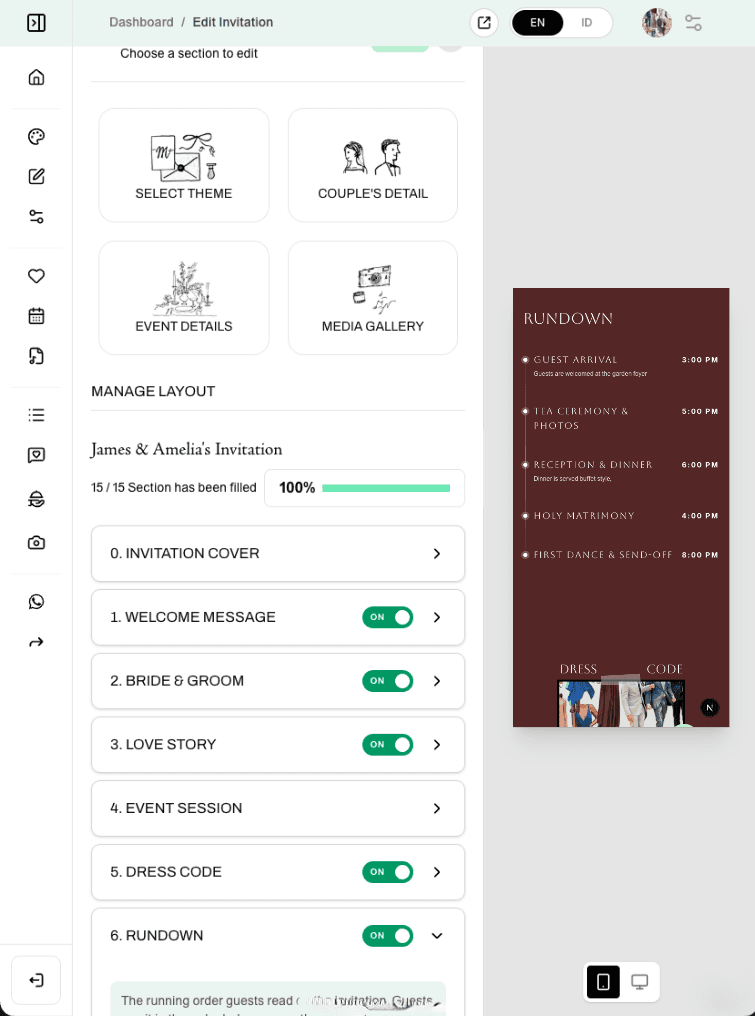
See your invitation change live as you edit it.
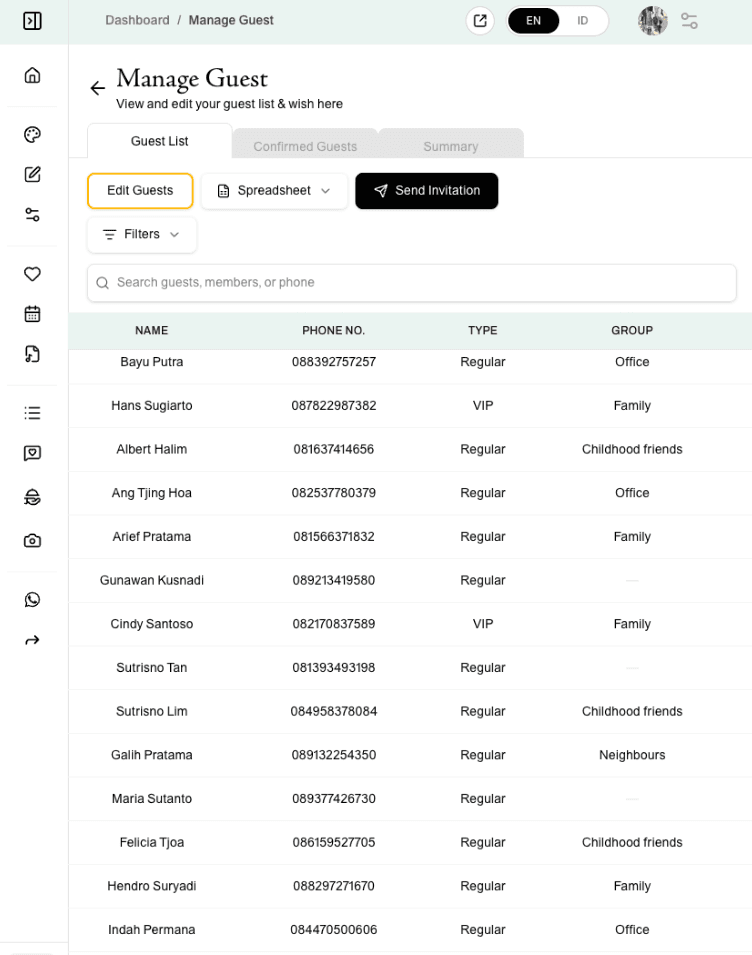
Edit guests right in the table, then import or export your list as Excel.
 Available in Grand
Seat guests by dragging them onto tables on a visual floor plan.
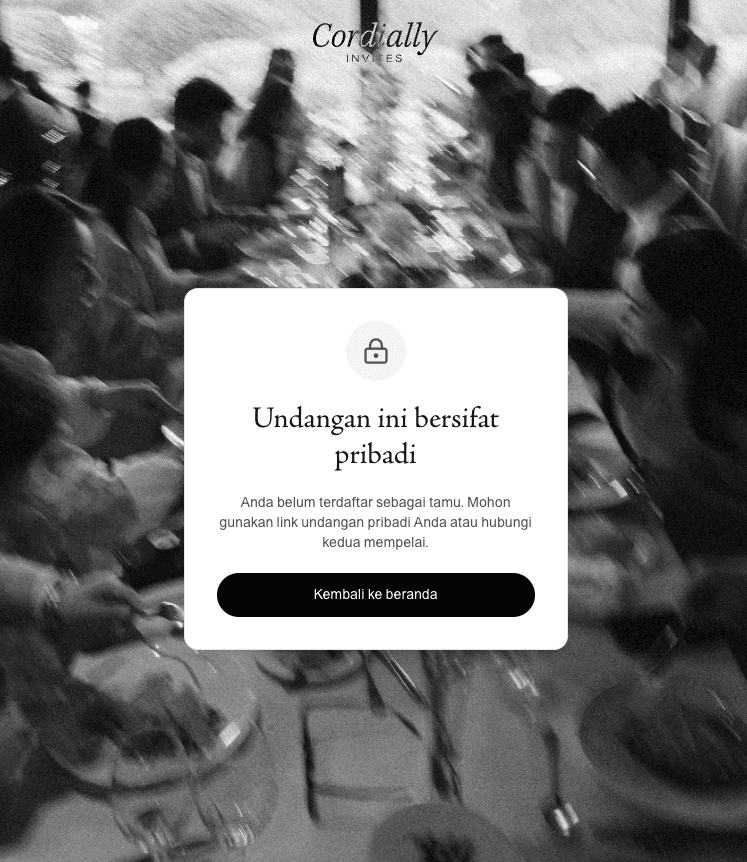
Each guest opens the invitation with their own unique code, and can only RSVP for the seats you gave them.
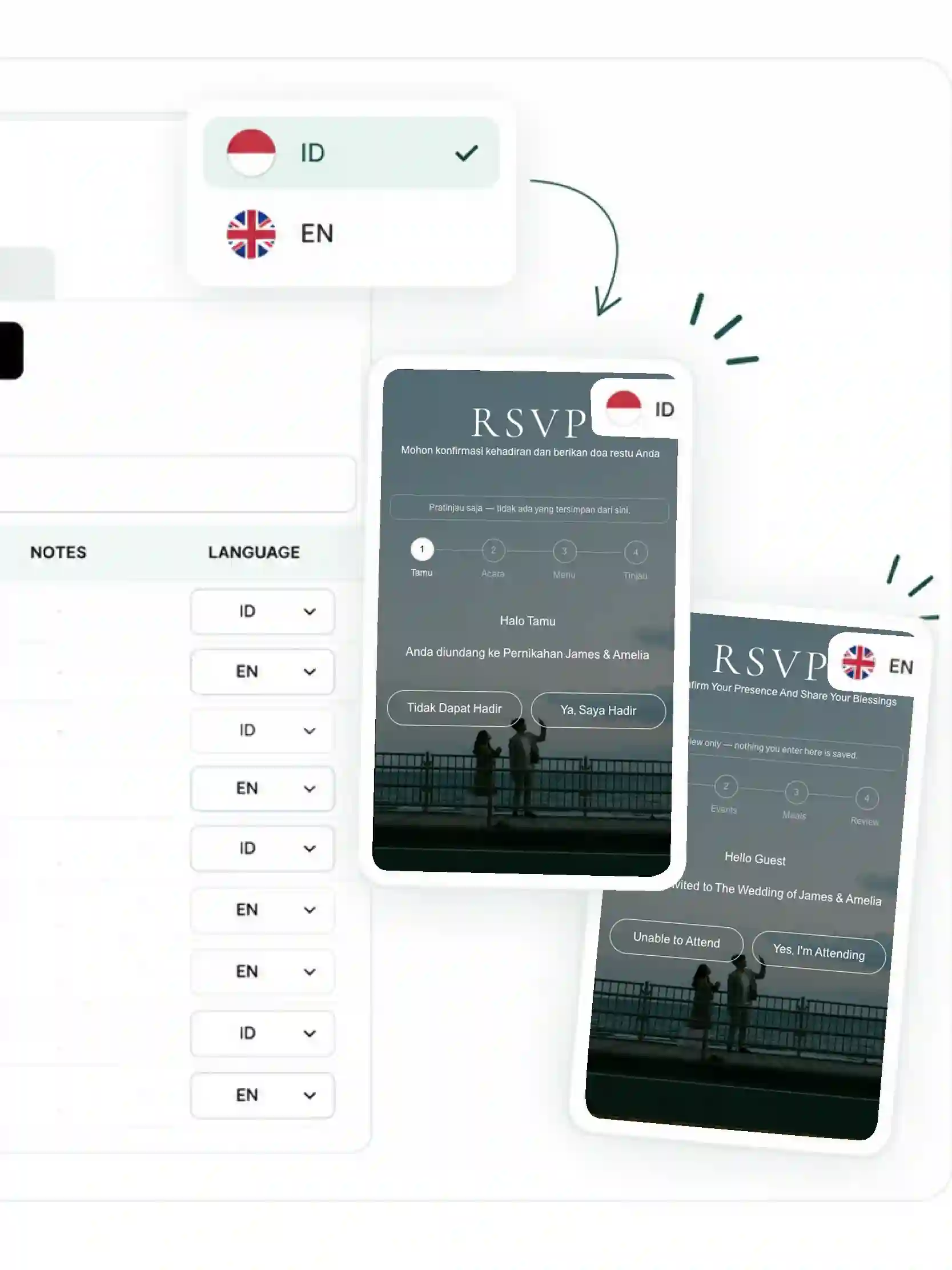
Each guest`s invitation opens in their own language — English or Bahasa Indonesia.
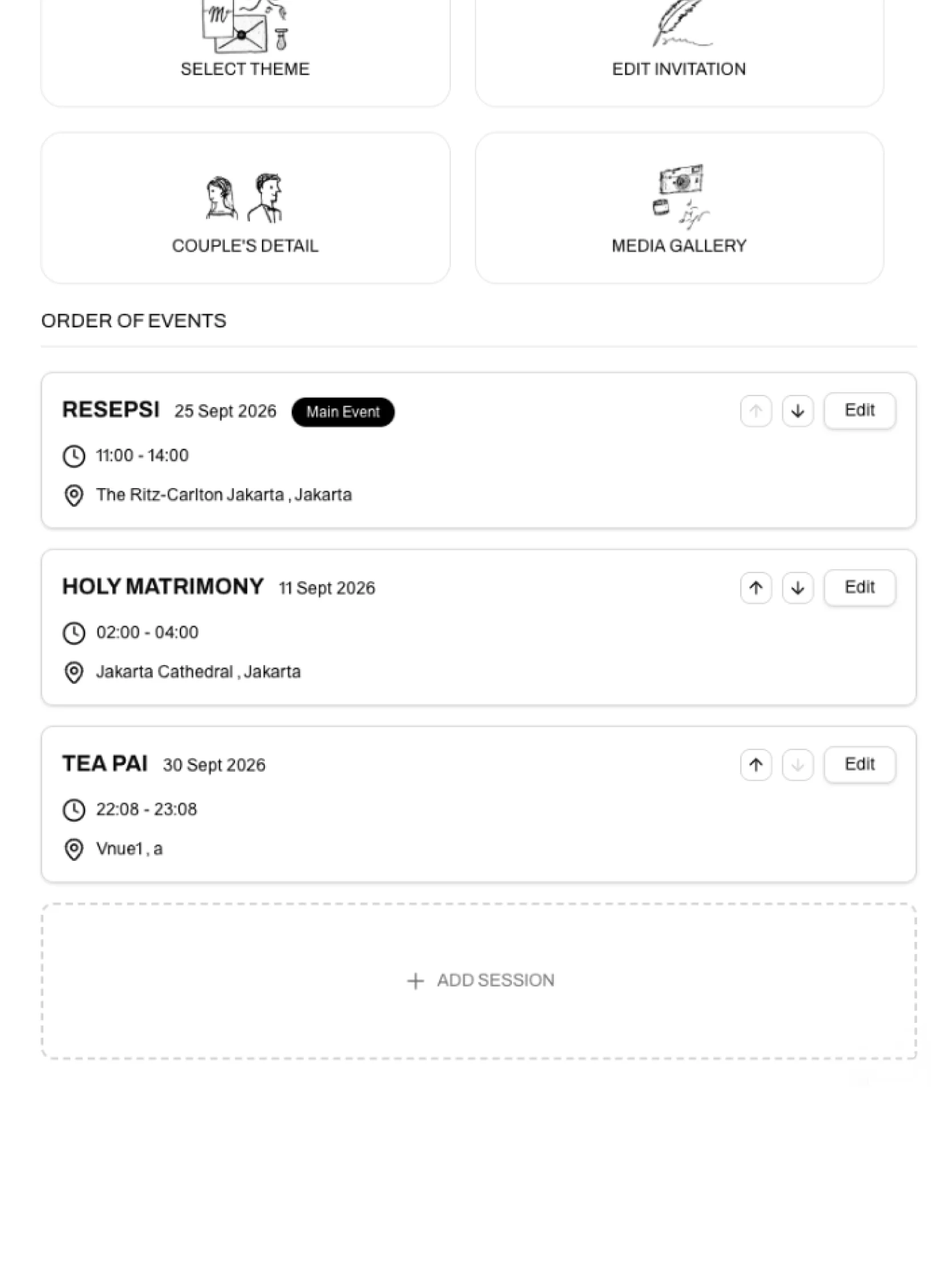
Add every session of your day, and invite each guest only to the ones they’re attending.
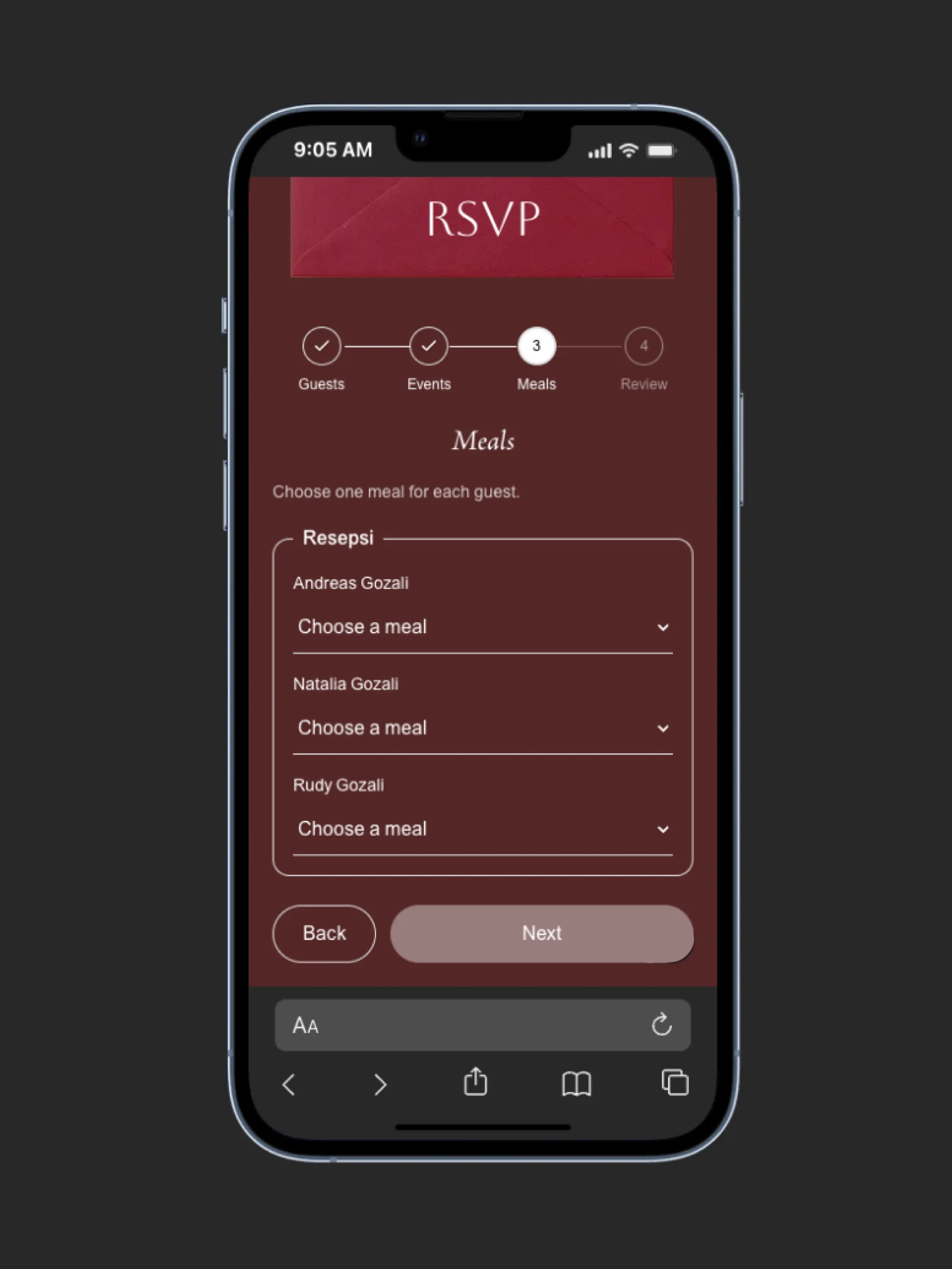
Guests choose their meal as they RSVP, ready to hand to your caterer.
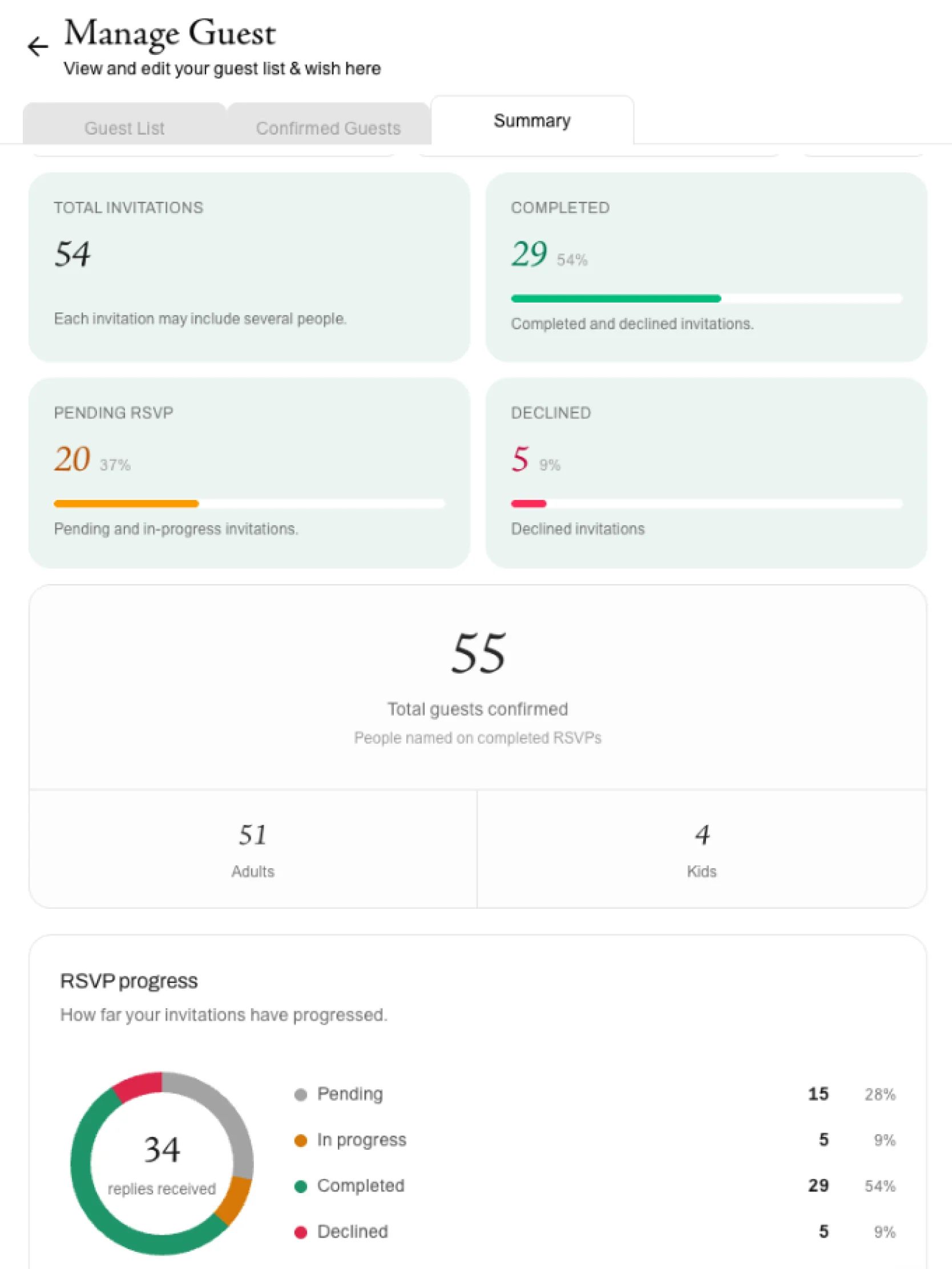
See RSVPs, attendance and party sizes add up as replies arrive.
Every theme comes with RSVP, personalised guest names and your own photos, story and music. Open a demo to try one exactly as your guests would.

Classic and understated, for a wedding that never dates.

Rich, warm tones for an evening celebration.

Soft and romantic, with a Parisian lightness.

Garden blooms framing every page.
No design skills or tech know-how needed. Pick a theme, add your details and start welcoming RSVPs today.

Pick from a range of invitation templates, or have one designed just for you.
Set a personalised invitation URL to use and share with your guests.

From the event rundown and extra RSVP questions to the photos and videos shown on your invitation.

Choose which events each guest is invited to, and get a personal link for every invitation.

Send invitations through WhatsApp, one by one from your own number or to hundreds of guests at once with a broadcast.

See exactly how many guests are coming, as their replies arrive.
Every package includes RSVP, personalised guest names and unlimited invitations.
A beautiful invitation, ready to send.

IDR 250.000
One-time payment · per wedding
Includes
Lifetime access, with a concierge beside you.

IDR 500.000
One-time payment · per wedding
Everything in Essential, plus
Every tool, from the first RSVP to the last seat.

IDR 700.000
One-time payment · per wedding
Everything in Celebration, plus

Want something no template offers? Our designers create an invitation from scratch around your story, colours and style, with the same RSVP and guest tools built in as every theme.

A real person beside you, from setup to the big day. Your concierge prepares your invitation with you, follows up with guests who haven’t replied, and answers their questions, so every guest feels looked after.
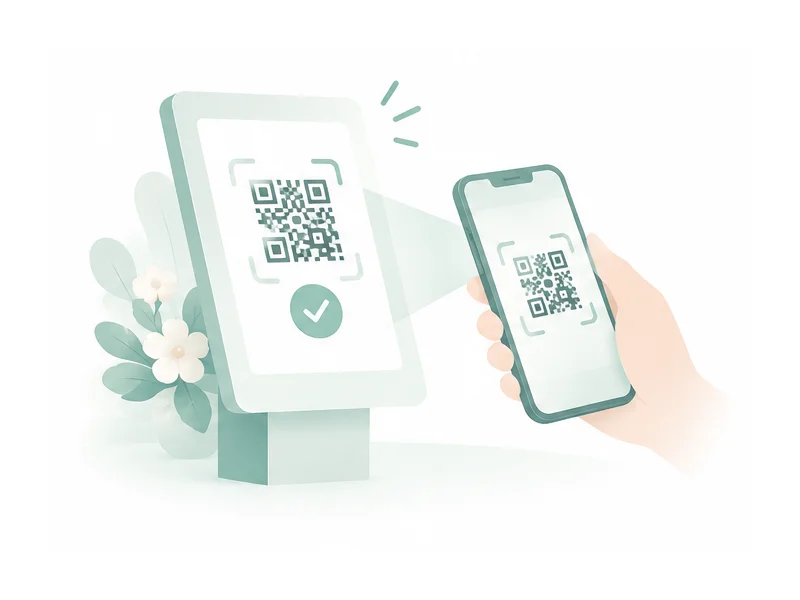
A check-in station at your venue entrance. Guests show their personal QR code and are welcomed in seconds, while you watch arrivals add up live from any phone or laptop.

Lay out your tables on a visual floor plan and drag guests into their seats. Rearrange as RSVPs come in, and always know exactly who sits where.
Cordially is an all-in-one digital wedding invitation platform. It handles the whole guest journey, from the first invitation to check-in on the day.
You can pick a theme, fill in your details and publish a beautiful invitation in minutes. Then manage everything from a single dashboard:
*For events with assigned seating.
Choose a package that includes seating management. Then use the table manager in your dashboard to create tables and assign guests to them. If you need help, our team is happy to assist at support@cordially.events.
Yes. You can add several sessions, such as a ceremony and a reception, each with its own date, time and venue. Then choose which guests are invited to which session.
Yes. Every theme lets you change your content, photos, story, event details and music. You can preview each theme before you choose it.
Yes. Choose a song from our music library to play in the background when guests open your invitation. On Celebration and Grand, you can also upload your own.
Yes. Turn on Private invitation in your dashboard, and only guests on your list can open it. Anyone else who opens a shared link sees a “This invitation is private” page. Available on Celebration and Grand.
Every guest on your list has their own personal link. You can send it from your dashboard through WhatsApp, which opens in your own WhatsApp app, or copy the link and share it however you like.